
Note: the network went in about four years ago, long before I used Claude, so that was all me. When the EC200a died recently, Claude helped me pick the replacement NVR and its disk size. And it helped me write this up.
When I got to the new location, there was absolutely nothing. The owner had stripped the place down to the bare stone.
And he wanted everything: Wi-Fi, cameras, the register, TVs. At the start he even wanted an office spot in the basement. (That never happened.)
A 500 m spool of Cat6
Walls stripped to the stone is the best possible moment to run cable. So I gave him my 500 m spool of fire-rated Cat6. I’d picked it up at an outlet sale for €135 ages ago, and it had been waiting for a use ever since. Finally.
The deal: he pulls cable wherever he thinks he’ll need it, because I didn’t feel like pulling it myself. I helped plan the main runs: down to the basement, to the camera spots, to where the TVs would hang, and into the kitchen.
Most runs end up above the fuse box, in their own separate area, at the main switch. The kitchen and the cameras at the back run to the kitchen switch instead.
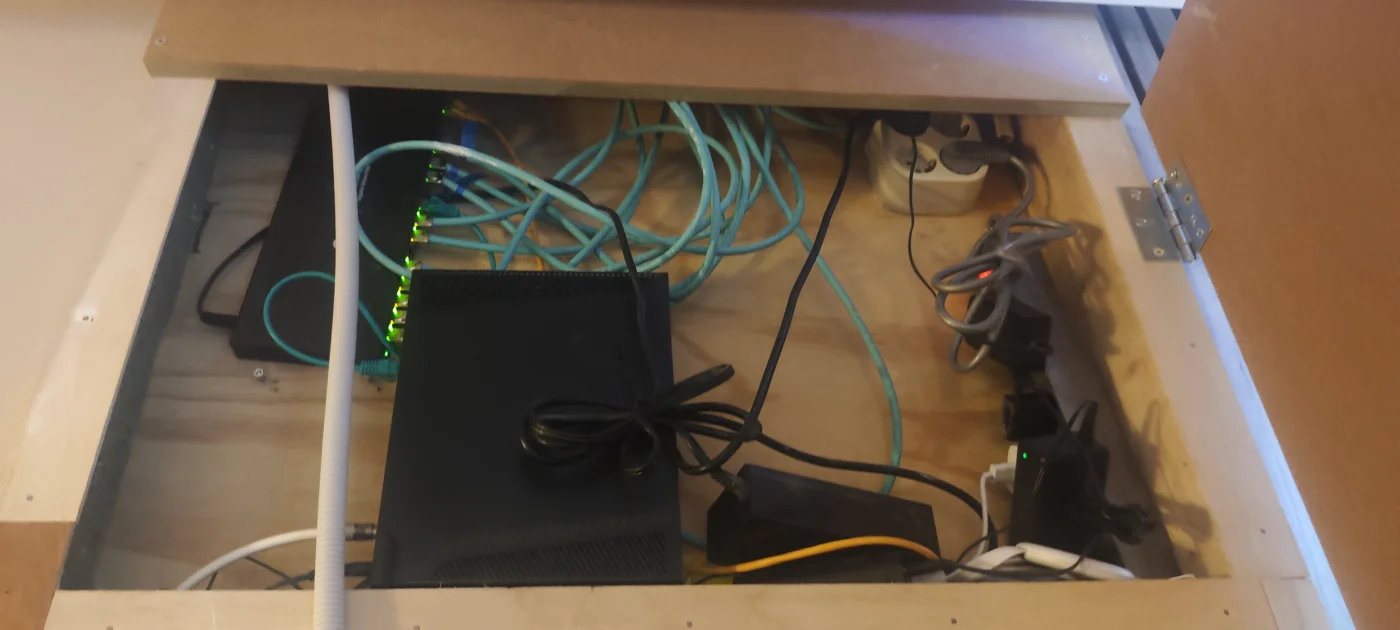 And I still have about half a freaking spool left.
The network
I kept it simple: one network, straight off the Ziggo router, with TP-Link Omada switches and access points.
About that Ziggo router. They used to be with Glasnet, the same small ISP I have at home. I could literally call them with “Hey, it’s Marcel, calling for the kebab shop” and that was all they needed. Then someone talked the owner into switching to Ziggo. I told him not to. He did it anyway, and yes, he regrets it. He listens. Mostly.
There used to be customer Wi-Fi too. Under Glasnet that was a properly separate network: their DrayTek router ran a second DHCP server on a separate port, which fed a guest VLAN of its own. Ziggo’s router can’t do that, so when I moved the controller to the cloud recently, we removed the guest Wi-Fi altogether. One more thing to add to the Ziggo regrets.
The card machines don’t touch the network at all: they all run on 4G.
The one exception to the flat network: the TVs. They run on an HDMI-over-IP setup that blasts uncontrolled multicast everywhere, and it did not play nice with the rest of the network. So it got its own VLAN. It even refused to work until I disabled IGMP snooping on that VLAN, which means its multicast just floods every port in it. Fine, as long as it stays in its own little box. More on that in part 5.
The gear
| Where | Device |
|---|---|
| Main switch | TP-Link Omada SG2016P |
| Kitchen switch | TP-Link Omada SG2016P |
| Counter switch | TP-Link Omada SG2008P |
| Center access point | TP-Link Omada EAP653 |
| Kitchen access point | TP-Link Omada EAP225 |
It didn’t start out like that. Version one was just the two 16-port switches and a single access point in the center. Then it turned out the kitchen sits behind a thick concrete wall that Wi-Fi just doesn’t get through, so the kitchen got its own.
The Omada controller first ran as software on an HPE EC200a, a little server I lent him. Semi-permanently. It ran Proxmox, with Agent DVR for the cameras and Home Assistant for the smart lighting next to the controller. Those two get their own parts later in this series.
That’s actually why there’s a counter switch at all. The EC200a needed ports for its iLO, for Proxmox, and for everything running on it, so it got a €10 TP-Link switch from Action. That did its job, right up until the registers needed PoE. Now it’s an Omada SG2008P like the rest, and it outlived the server it was bought for: these days it runs a TV, the NVR, and the new POS systems that went in last year (part 3).
The EC200a itself lasted until recently, when its hard drive died. The cameras moved to a proper NVR (more on that in part 7), and the Omada controller moved to TP-Link’s cloud. One less box to babysit.
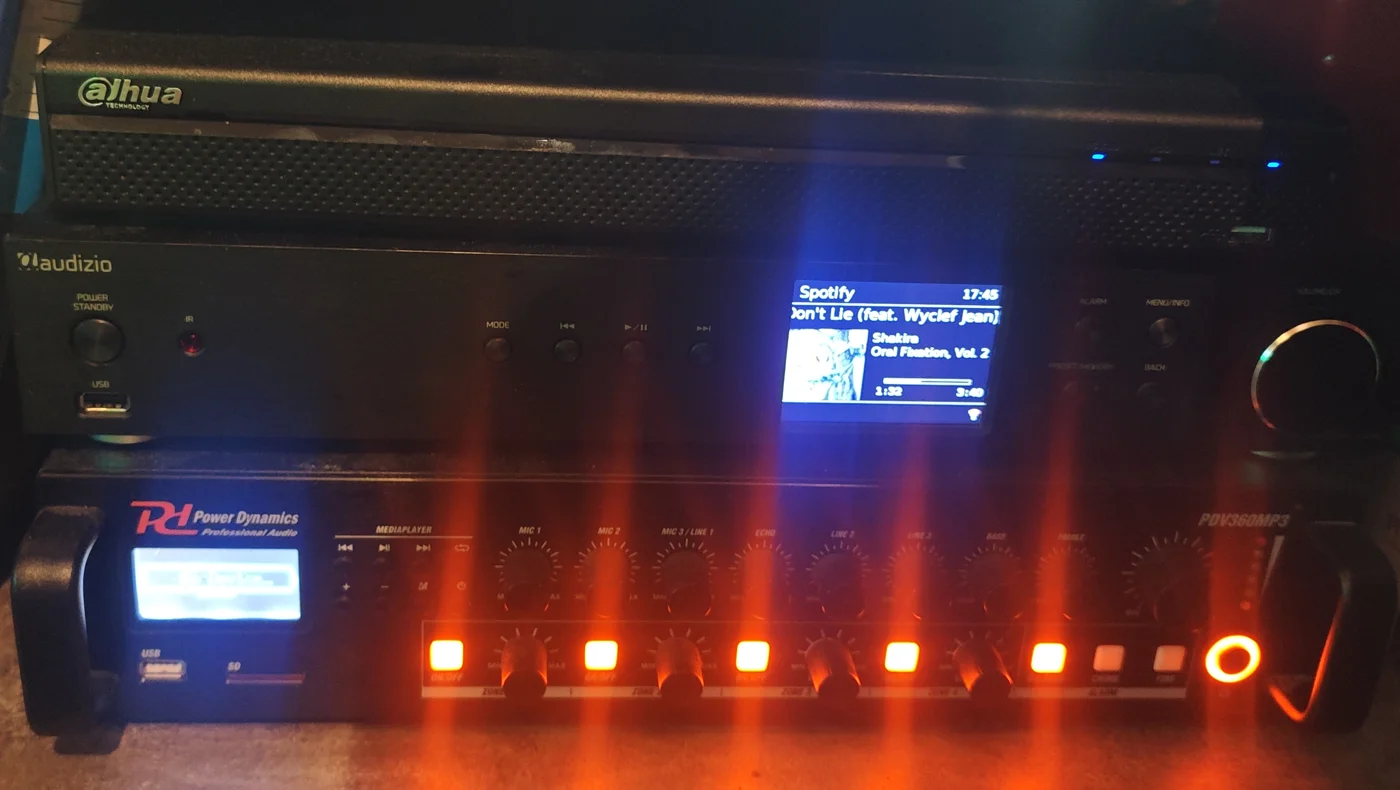
The worst part
Replacing that €10 switch. Its uplink is a cable coming out of the wall that’s only just long enough to reach. So guess what I also didn’t have to mount? The new switch is held in place by its cable.
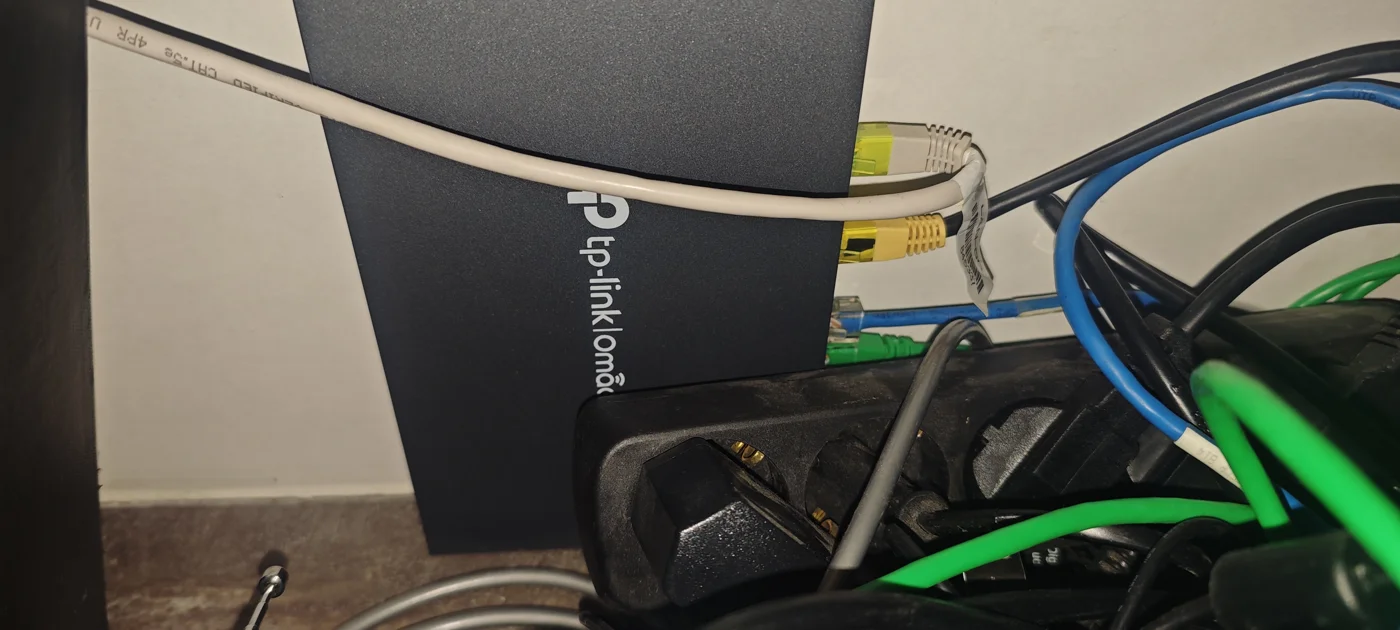
Again. See also: the RCM sensor in my EV charger and the router on a zip tie. At this point it’s less a coincidence and more a mounting strategy.